What Is a Media Kit? Definition and What's Inside
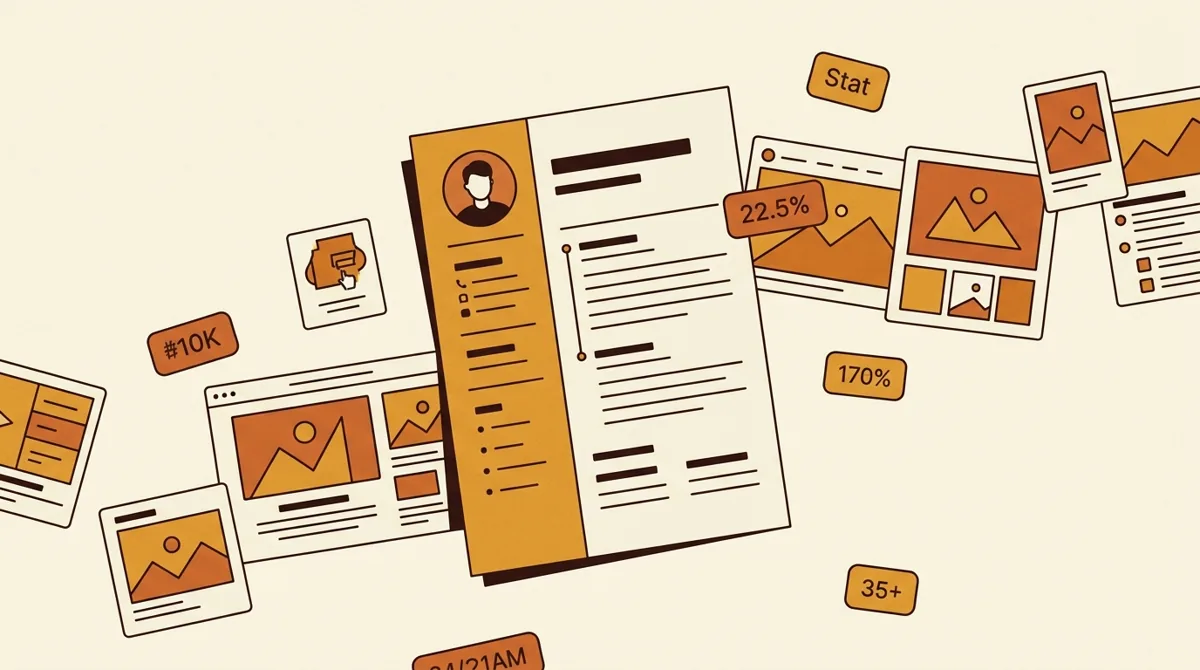
A media kit is a short document — usually one to three pages or a single PDF — that a creator sends to brands to summarize who they are, who their audience is, and what they charge. It's the resume and price sheet of the creator economy, and it exists to get a brand from "who is this?" to "here's our budget" in one read.
When a brand is deciding whether to work with you, the media kit is the first thing they ask for. A clear one makes you look professional and gets you to the rate conversation faster. A messy or missing one stalls the deal.
| Section | What goes in | Why brands care |
|---|---|---|
| Intro / bio | Who you are, your niche, why your audience is valuable | Frames the story before follower count does |
| Audience stats | Followers per platform, plus age, gender, top locations | Tells the brand whether your audience is their customer |
| Performance metrics | Average views, reach, and engagement rate | Engagement rate is the metric brands trust most in 2026 |
| Best work / case studies | 2–3 standout posts or past collabs, with results | Claims without proof are just claims |
| Services and rates | What you offer, with at least a starting range | A named rate anchors negotiation at your number |
| Contact | Email and a clear call to start a conversation | Gets them from "who is this?" to "here is our budget" |
Source: sections as described in this guide.
Why do you need a media kit?
Brands evaluate dozens of creators. They don't have time to dig through your profile and do the math on your engagement. A media kit hands them everything they need to say yes in under two minutes.
It also puts you in control of the narrative. Instead of letting a brand judge you on follower count alone, you frame the story: the niche you own, the audience you reach, and the results you deliver.
What goes in a media kit?
The core sections
- Intro / bio — who you are, your niche, and one line on what makes your audience valuable.
- Audience stats — follower counts per platform, plus demographics: age, gender split, top locations.
- Performance metrics — average views, reach, and engagement rate. Lead with engagement, not just followers.
- Best work / case studies — 2-3 standout posts or past brand collaborations with results.
- Services and rates — what you offer (a Reel, a story set, a UGC video) and your pricing.
- Contact — email and a clear call to start a conversation.
Keep it visual and tight. Brands skim, so use clean numbers, a few screenshots of top content, and your branding so the document feels like you. For a section-by-section build with an example layout, see how to make a media kit.
What does a strong stats section look like?
A strong stats block reads like this:
- Instagram: 24,300 followers · 9,800 avg. reach/post · 6.1% engagement rate
- TikTok: 41,000 followers · 38,000 avg. views/video
- Audience: 68% women · 25-34 core age · top markets US, UK, Canada
Notice engagement rate sits front and center — as of 2026 it's the metric brands trust most. If you're unsure of yours, the engagement rate calculator gives you the number in seconds, and the brand deal rate calculator helps you set the rates you list.
Do small influencers need a media kit?
Yes — a media kit for small influencers is often what closes the deal, because under 10k followers you're selling engagement and niche fit, not reach. Keep it to one page, lead with your engagement rate, and name a starting rate so brands can say yes fast. And if you pitch UGC — content the brand posts on its own channels — price it separately with the UGC rate calculator.
Can a media kit update itself?
The classic weakness of a media kit is that it's a snapshot: accurate the day you export it, stale a month later — and brands vet you before they reply, so a stale number is the first thing they catch. That's why a growing number of creators pair the PDF with a live public creator profile. A link like creamate.ai/u/yourhandle shows per-platform stats, niche tags, a portfolio, and testimonials that stay current on their own — effectively the media kit that updates itself, and numbers a brand can verify rather than take on faith.
This is both/and, not either/or. The PDF still travels well inside a brand's team; the live link answers the vetting step with data that's current every time it's opened. You can create a free profile in minutes, and we cover what separates a profile that wins deals from a glorified link-in-bio in the creator profile that wins brand deals.
What are the most common media kit mistakes?
- Leading with vanity numbers. A big follower count with low engagement raises red flags. Show the engagement rate alongside it.
- Letting it go stale. Outdated stats make you look careless. Refresh it every month or two.
- No clear rates. "Rates available on request" adds friction. List at least a starting range.
- Too long. Three pages maximum. If a brand has to scroll forever, you've lost them.
- No proof. Claims without screenshots or past results are just claims. Show one or two wins.
FAQ
How many followers do you need for a media kit?
There's no minimum. Even at a few thousand followers, a tidy media kit signals professionalism and often wins deals over larger creators who don't have one. Lead with a strong engagement rate.
What format should a media kit be?
A PDF is the safest, since it looks the same on every device. Some creators also keep a simple web page or a live profile link alongside it. Whatever the format, keep it skimmable.
How often should I update it?
Refresh your stats every 1-2 months, or right before any pitch. Brands can tell when numbers are old, and stale data undercuts trust.
Should my media kit include my rates?
Including at least a starting range speeds up negotiations and filters out brands with mismatched budgets. Use the free creator tools to set rates you can stand behind.
CreaMate is an AI co-pilot for short-form creators (TikTok/Reels/Shorts) that turns one topic into hooks, scripts, hashtags and cover briefs, and helps small creators price and land brand deals.
FAQ
- What is a media kit for creators?
- A media kit is a short document — usually one to three pages or a single PDF — that a creator sends to brands to summarize who they are, who their audience is, what results they deliver, and what they charge. It works as the resume and price sheet of the creator economy.
- What goes in a media kit?
- Six core sections: an intro/bio with your niche, audience stats and demographics per platform, performance metrics led by engagement rate, 2–3 pieces of best work or case studies, services and rates, and contact details.
- How many followers do you need for a media kit?
- There is no minimum. Even at a few thousand followers, a tidy media kit signals professionalism and often wins deals over larger creators who don't have one — lead with a strong engagement rate and niche fit rather than raw reach.
- What format should a media kit be?
- A PDF is the safest since it looks the same on every device and attaches to any email. Many creators pair it with a live web profile that keeps stats current automatically, so brands can verify numbers in one click.
- How often should you update a media kit?
- Refresh the stats every one to two months, and always right before a pitch. Brands can tell when numbers are old, and stale data undercuts trust.
- Should a media kit include rates?
- Yes, at least a starting range. Naming a rate speeds up negotiations, filters out brands with mismatched budgets, and anchors the conversation at your number instead of theirs.